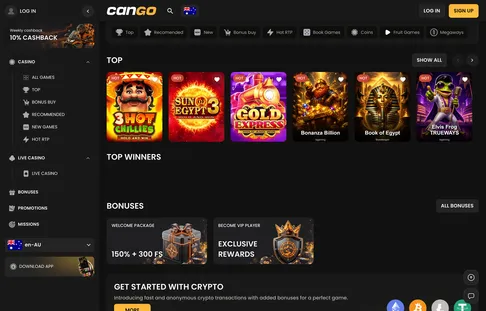

Signing in to Cango is the first step back to the lobby, which holds 3,000+ games according to the casino. Maybe you want to spin a favourite pokie, or check whether Monday’s weekly cashback has landed. Either way, the login takes your email and password or a linked Google profile, and you are back at your balance in under a minute. Keeping the account secure keeps your balance, bonuses and progress yours alone.
Cango casino login: ways to sign in at a glance
Getting into your account is straightforward on a desktop or a phone. The Cango casino login screen offers two pathways: classic email credentials or quick access via Google. Each method opens the same account, so your balance, active bonuses and VIP progress follow you across every device you use. Here are the ways to sign in.
| Way | Where the button is | What you need |
|---|---|---|
| Email and password | Top right corner or welcome pop-up | Registered email address and your 8+ character password |
| Continue with Google | Welcome pop-up or sign-in screen | A Google account on the same email as your Cango profile |
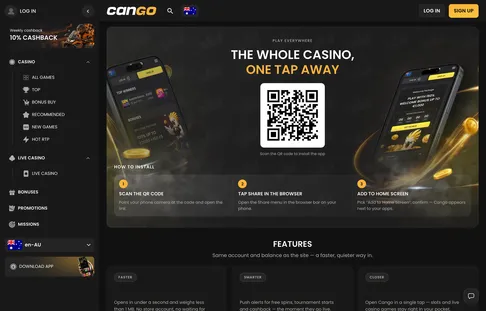
| PWA application | Home screen icon | Existing session or standard login credentials |
When you use the PWA, the app typically remembers your login for a while, so the next session starts faster. In a standard mobile or desktop browser, the system may ask for your details again after a session times out, which is a normal safety measure. Type the address yourself or use your saved home-screen icon rather than links in random emails, which keeps phishing pages away from your password.
Can Go login: why an account gets blocked
A Can Go login lock is usually a measure to protect the casino environment rather than a random event. The most frequent reason is a breach of the one-account-per-person policy. The casino prohibits multiple accounts, shared accounts and a VPN used to hide your location. If the system sees login attempts from different IP addresses or regions within a short time, it may flag the account for a security review. If you find yourself locked out, head straight to live chat, which runs 24/7 and usually answers within about two minutes.
Another common issue is a session timing out. Leave a browser open on a game or a payment page for too long without activity, and the server ends the session to keep your data safe. Refreshing the page or returning to the login screen solves it. Logging in on two devices at once can also end the older session. If you have forgotten your password, use the reset function with your email and you will get a secure link to create a new one. Never share your credentials, as the registered owner is responsible for everything that happens on the account.
Once the Cango sign in is done, the whole platform opens up. Your personal profile, with active bonuses and deposit history, sits in the account menu. The Missions tab appears after login and tracks daily and weekly tasks. Regular players should keep an eye on the 10% Weekly Cashback badge in the menu, which reflects net weekly losses. Promotions, including the Sunday reload and free spin batches, are one click from the main dashboard, so you can match the right offer to the pokie you are about to play.
Can Go casino login: Google sign-in
For players who prefer not to manage another password, the Can Go casino login via Google is the quick route. It works when your Cango account was created with the same email address as your Google account, or when you linked the two during registration. It removes the need to type credentials every time you come back. Security stays high, because the process uses the authentication of your Google account and adds its protection to your session.
If you registered with a standard email and password, the Google button usually still works as long as the Google account uses the same email address as your Cango account. If you are new and have no Cango account yet, you can Cango sign up with your Google credentials in a few moments. It is the fastest way to get started and keeps your access consistent on desktop and mobile. Log out of shared devices even after a Google sign-in, as a secure profile is part of responsible play. If the Google button does not respond, clear the browser cache or switch to the email login, and live chat can help if the problem stays.